Pick your pack.
Recruit creatures from the shop. Mix their traits and roles to find combinations that click.
AUTO BATTLER MEETS TOWER DEFENSE
Build a tiny army. Defend your home. March on your rivals. Every creature fights on both sides of the battle.
Show me how Download for Windows (64-bit, 137 MB)Download for Linux (x86_64, 157 MB)
Free closed alpha · In your browser, on Windows or on Linux · Best on desktop
A LITTLE PLANNING. A LOT OF PERSONALITY.
Make your moves.
Let the little monsters do the rest.
Recruit creatures from the shop. Mix their traits and roles to find combinations that click.
Arrange your defenders and your marching formation. The same crew protects home and pressures a rival.
Merge matching creatures into stronger forms. Adapt between battles. Keep the last Nexus standing.
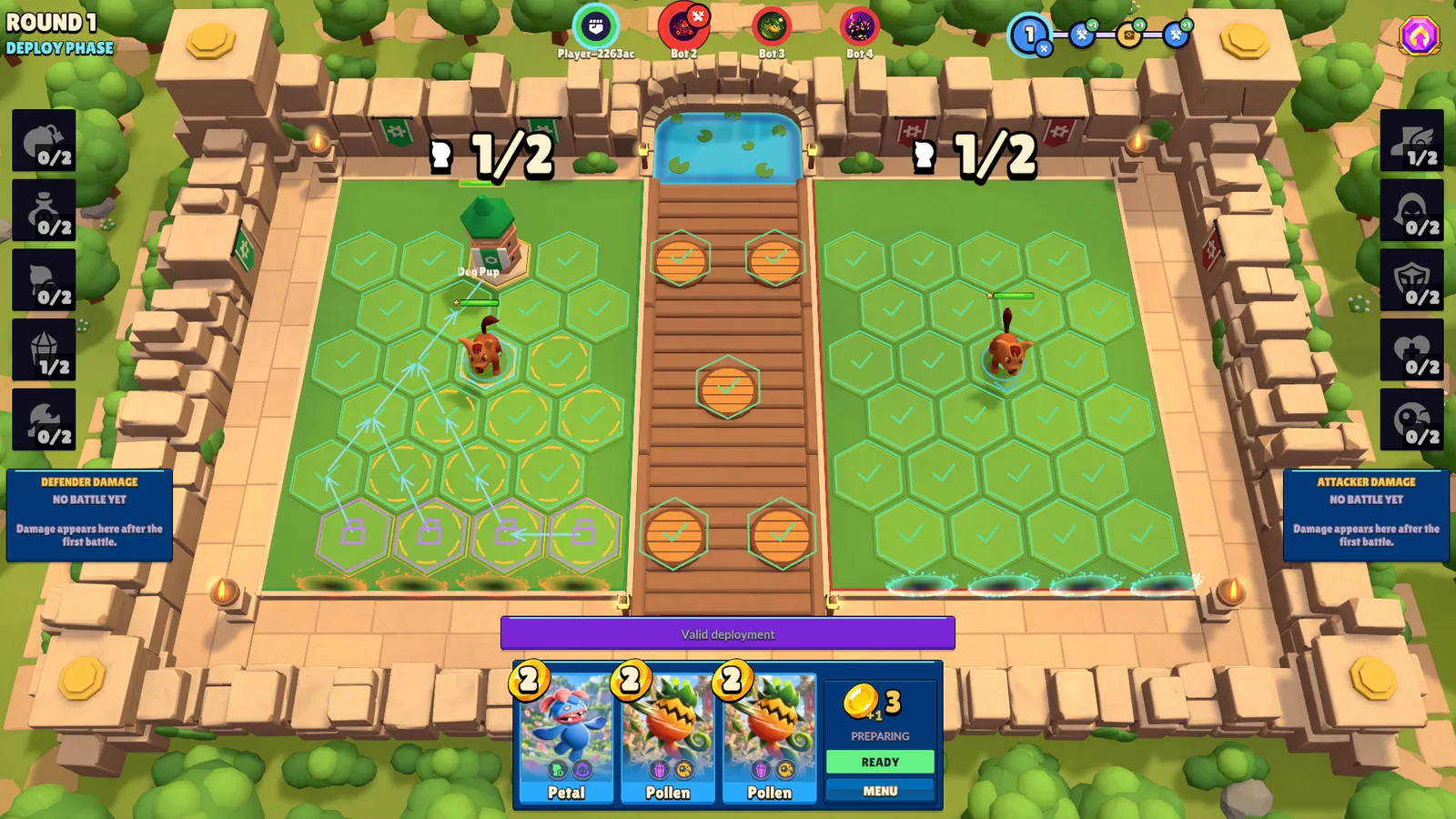
THE TWIST
You don't have to choose between a sturdy defense and a clever attack. Every deployed creature gives you both.
Your creature becomes a tower on your board, using its defensive ability to stop incoming marchers before they reach your Nexus.
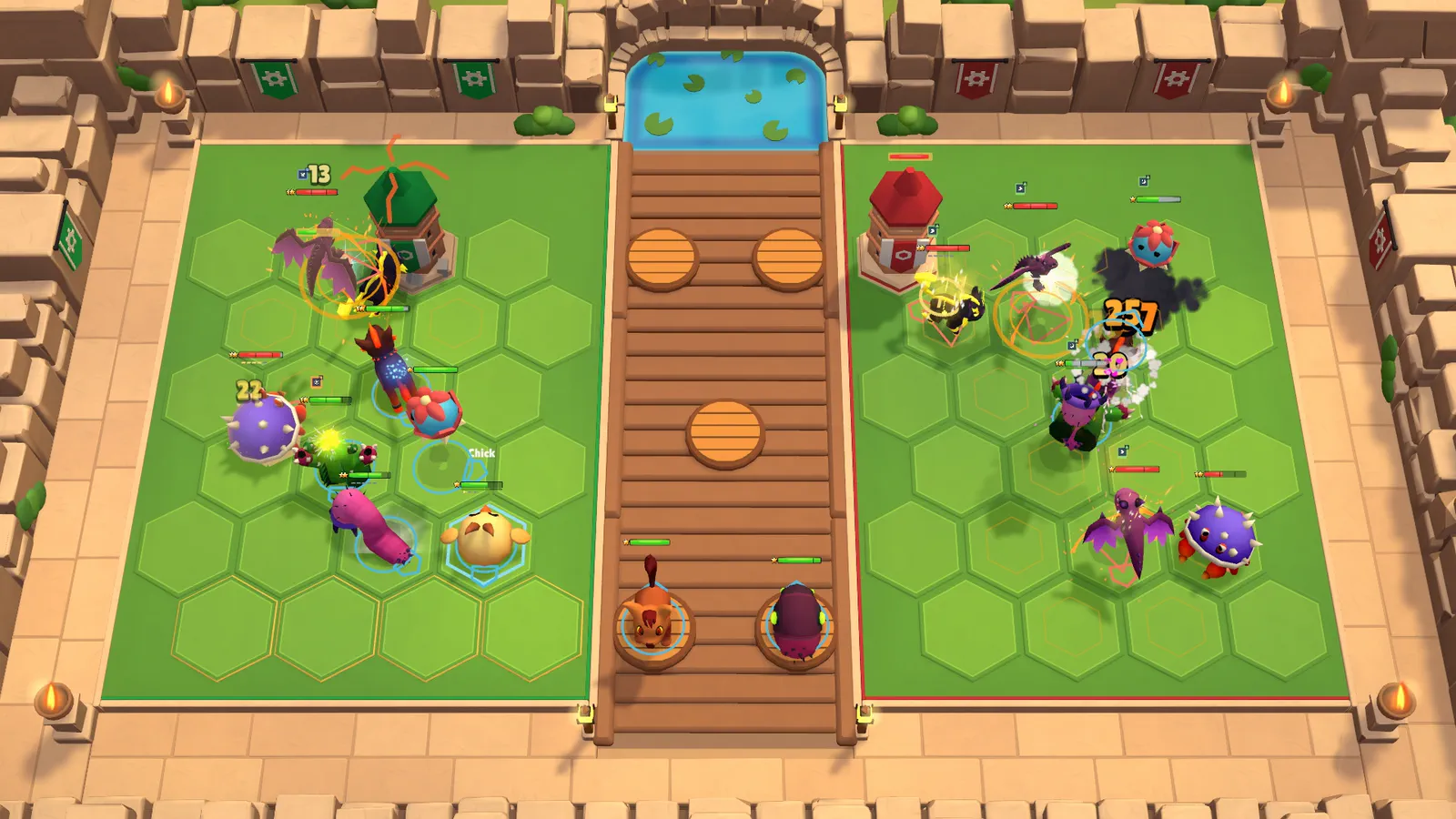
REAL MATCH SCREENSHOTS
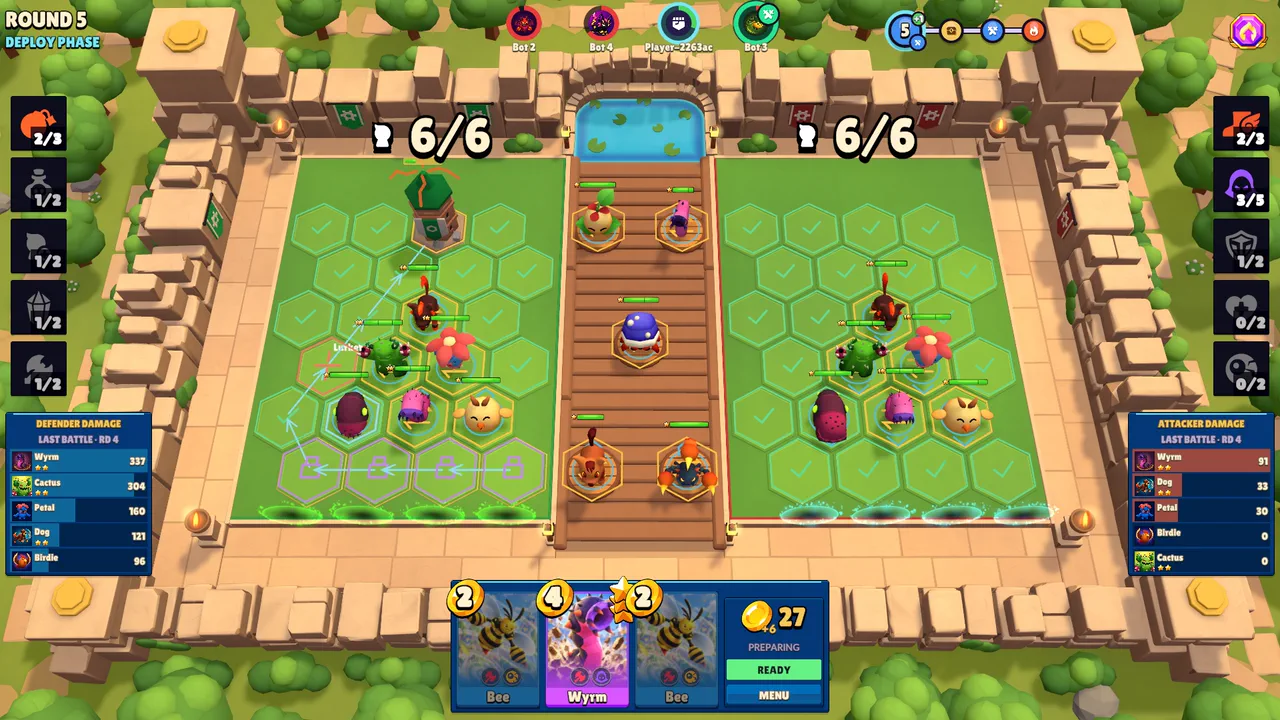
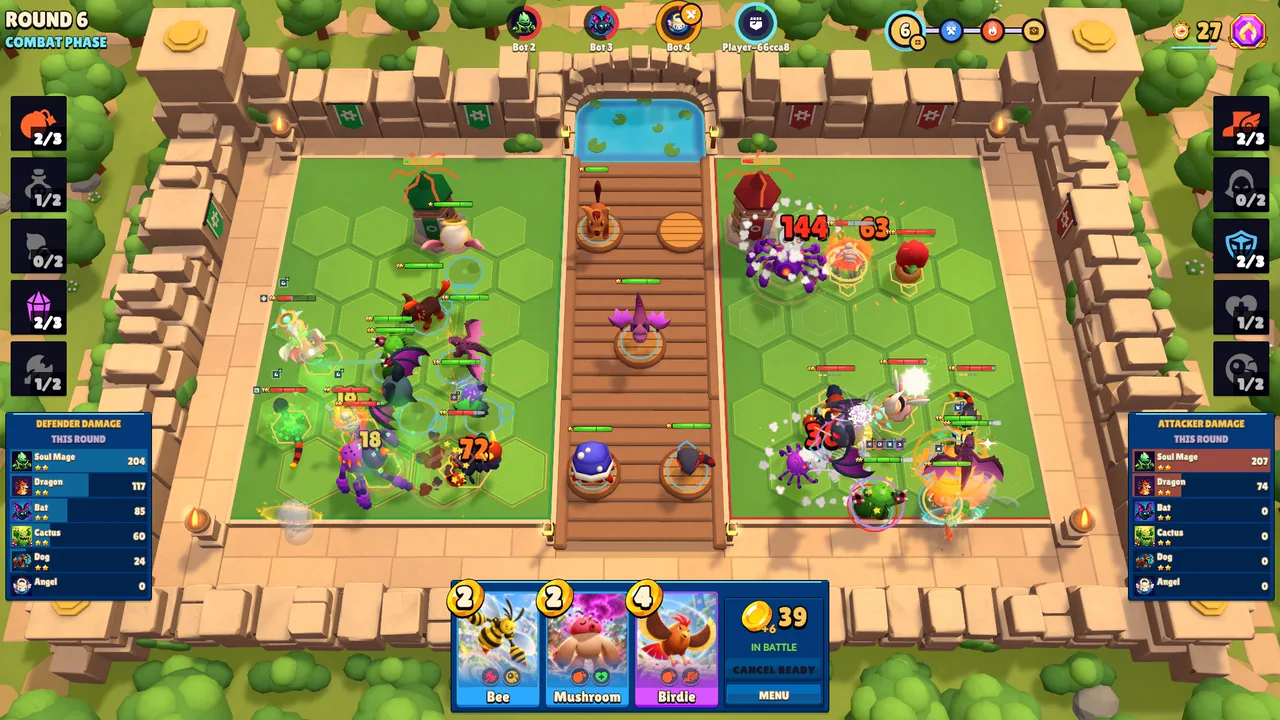
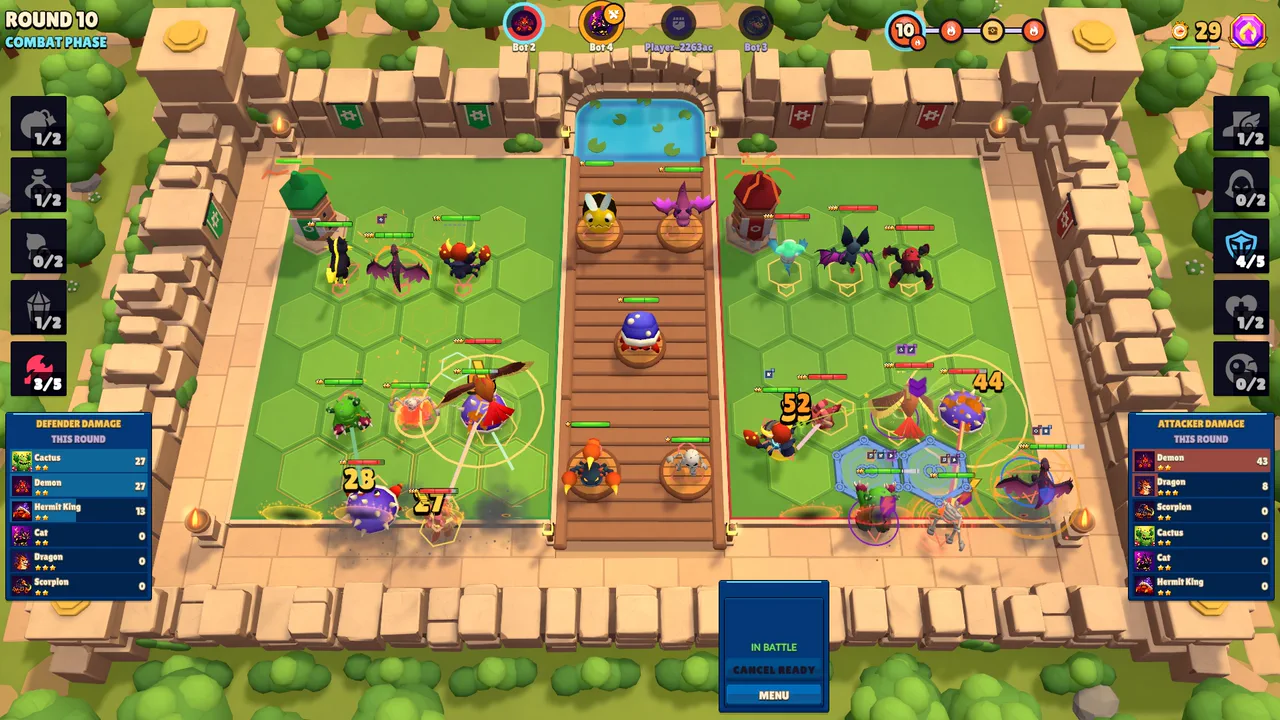
The video and the screenshots on this page are in-engine captures of build 0.1.0-autochess-p19. Where the game's HUD is visible, it shows the game's AI-generated card portraits and creature icons. AI disclosure: some 2D art in the game and on our website (card portraits, creature icons, menu art) is AI-generated, and so is the music (made with Suno). Much of the code and text is written with AI assistants. 3D models, animations, most effects and the sound effects are licensed assets. Details: https://critterfront.pages.dev/credits/
MEET A FEW OF THE LOCALS
Big personalities. Sneaky synergies.
Tap a creature to meet both sides.
A few faces from an evolving roster. AI-generated family artwork shown (how we use AI); forms change as creatures evolve.
GOOD IDEAS START ON THE DRAWING BOARD
Explore all 25 creatures, arrange both formations, and find the synergies that make your team click. Save a plan. Share a little inspiration.
TRY A BOT MATCH IN YOUR BROWSER
Choose BATTLE → BOT GAME for a solo match.
Your next tiny army is waiting.
 critterfrontALPHA
No install. Just a good plan.
Desktop recommended · About 97 MB on first playPrefer a download? Get the Windows or Linux build ↓Getting your game ready.
0%Ready when you are.
Mouse to buy & place / Ready to battleChoose BATTLE → BOT GAME for solo play. NORMAL GAME requires an account; ranked is coming soon. Desktop browser and mouse recommended.
PREFER A DESKTOP APP?
The same free closed alpha as the browser game, as a desktop build. Online matches (NORMAL GAME) need the same build as the other players: this is 0.1.0-autochess-p20.
A download does not update itself: when we announce a new build, download it again.
Stuck installing? Ask on our Discord.
BEFORE YOU MARCH
Little answers.
Then back to the big plans.
Critterfront blends an auto battler's recruiting, merging, and team synergies with tower defense positioning. Each creature you deploy becomes both a defender on your board and a marcher on a rival's. Battles play out automatically; your decisions between rounds make the difference.
The alpha is free, in your browser and as a desktop download. BATTLE → BOT GAME starts a solo match without an account. NORMAL GAME, the online mode, needs a free account that you create in the game.
Browser: nothing to install. Choose Play free on this page, in a desktop browser with WebGL 2 and a mouse.
Windows: you need Windows 10 (version 21H1 or newer) or Windows 11, 64-bit. Download the zip from the download box, extract all of it first (right-click, Extract All), then start AutochessTD.exe in the Critterfront-Windows folder. The game is not code-signed yet. If Windows says “Windows protected your PC”, choose More info, then Run anyway. If Smart App Control blocks it, play in your browser instead.
Linux: you need 64-bit Linux. Download the archive from the download box, extract it, then run ./AutochessTD.x86_64 in the Critterfront-Linux folder. The game engine officially supports Ubuntu 22.04 and 24.04.
macOS: there is no macOS build. Play in your browser.
Online matches need the same build as the other players. A download does not update itself: when we announce a new build, download it again.
BOT GAME gives you a solo match against three bots. NORMAL GAME matches you with other players on our European server and requires sign-in. The best time to find a full online match is Playtest Night: every Thursday, 19:30–21:00 German time, together on our Discord. The Linux download is built for online play; online play from the browser has not been confirmed on this release yet. Ranked play is coming soon.
No. Cosmetic battlefields are paused while the game itself comes first, and nothing is for sale, on this site or in the game.
After a match, open the feedback page: it explains what a good bug report says and leads to our Discord. At Playtest Night, the host also posts a feedback thread for that night. What you did, what happened instead and which build you played helps most.
Buy creatures from the shop, then drag them into your defense and offense formations. Matching creatures merge into stronger forms. Press Ready when your formation is set. Stop enemy marchers reaching your Nexus while yours challenge a rival. The last surviving Nexus wins.
The website works on small screens, but the game is designed for a desktop browser with WebGL 2 and a mouse. Touch controls aren't validated yet. For the clearest board and controls, use a desktop or laptop and select Fullscreen.
This is a playable alpha, so visuals, creatures, and balance are still evolving. The game may display its development title, Autochess TD. The video and the screenshots on this page are in-engine captures of build 0.1.0-autochess-p19; the embedded game shows the playable build.
Yes, and we say where. AI disclosure: some 2D art in the game and on our website (card portraits, creature icons, menu art) is AI-generated, and so is the music (made with Suno). Much of the code and text is written with AI assistants. 3D models, animations, most effects and the sound effects are licensed assets. Details: https://critterfront.pages.dev/credits/
YOUR NEXT GREAT PLAN STARTS SMALL.